xshell连接腾讯云服务器
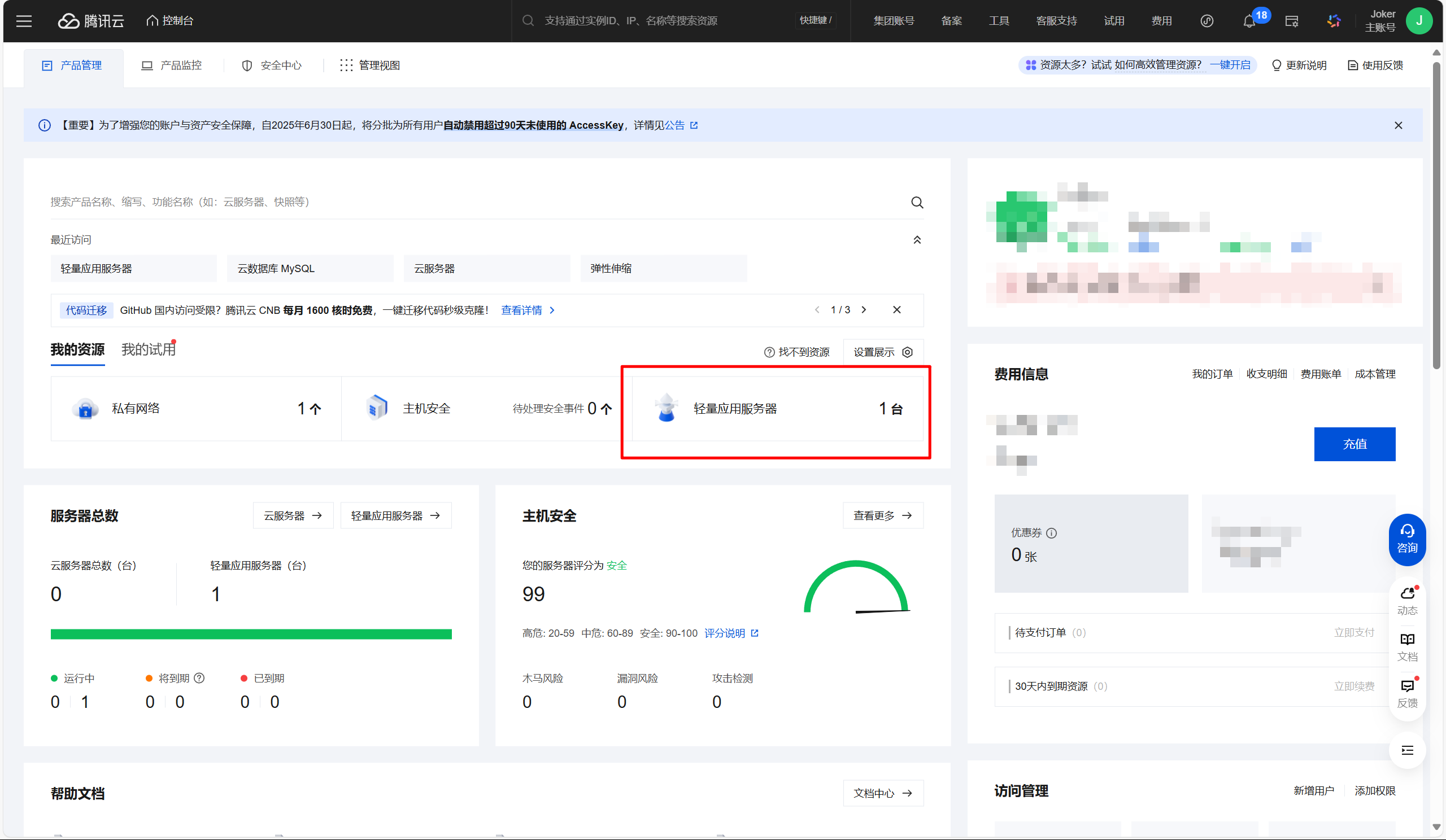
腾讯云服务器控制台 总览 - 控制台 - 腾讯云
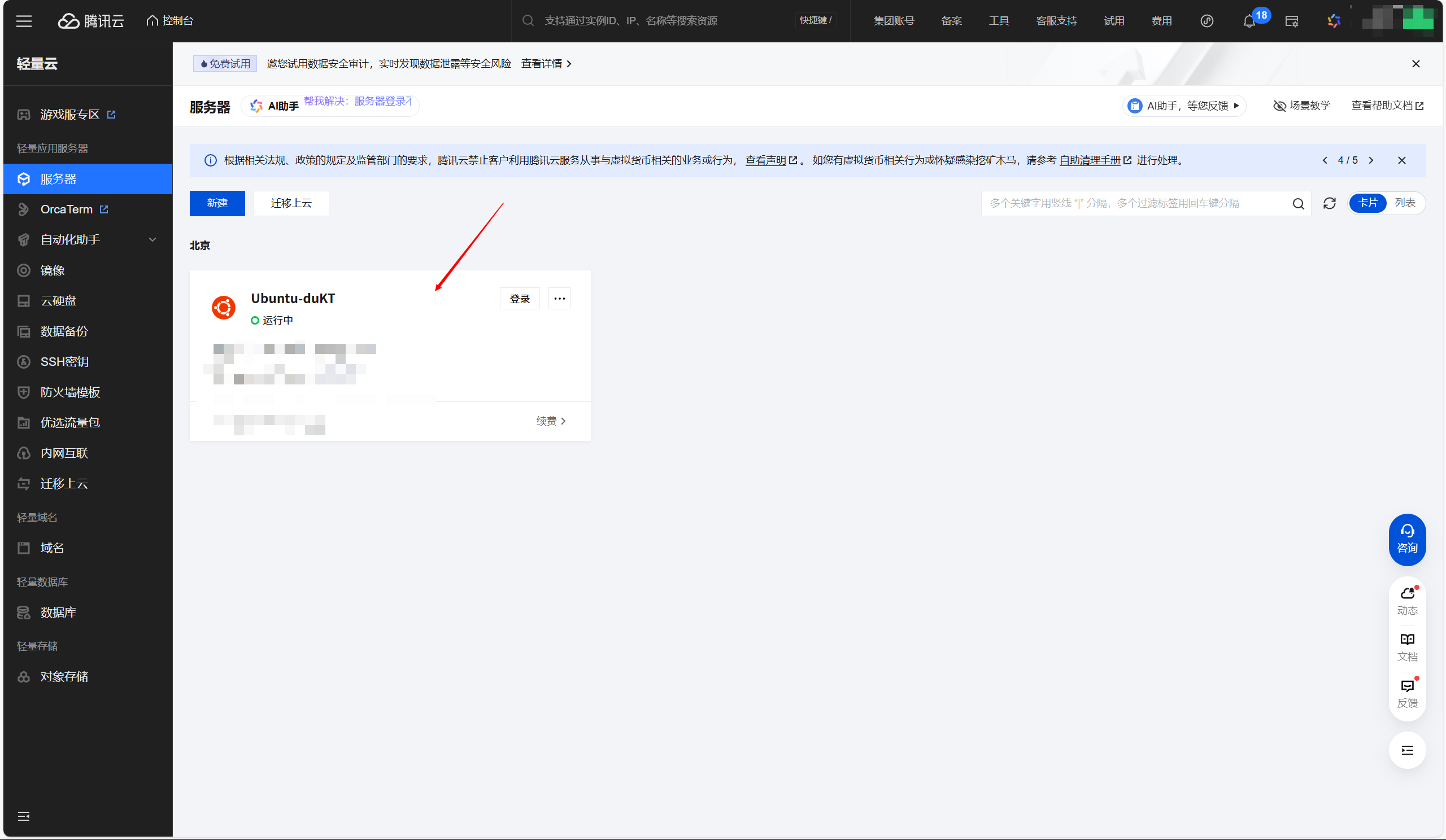
进入到服务器实例中,创建密钥
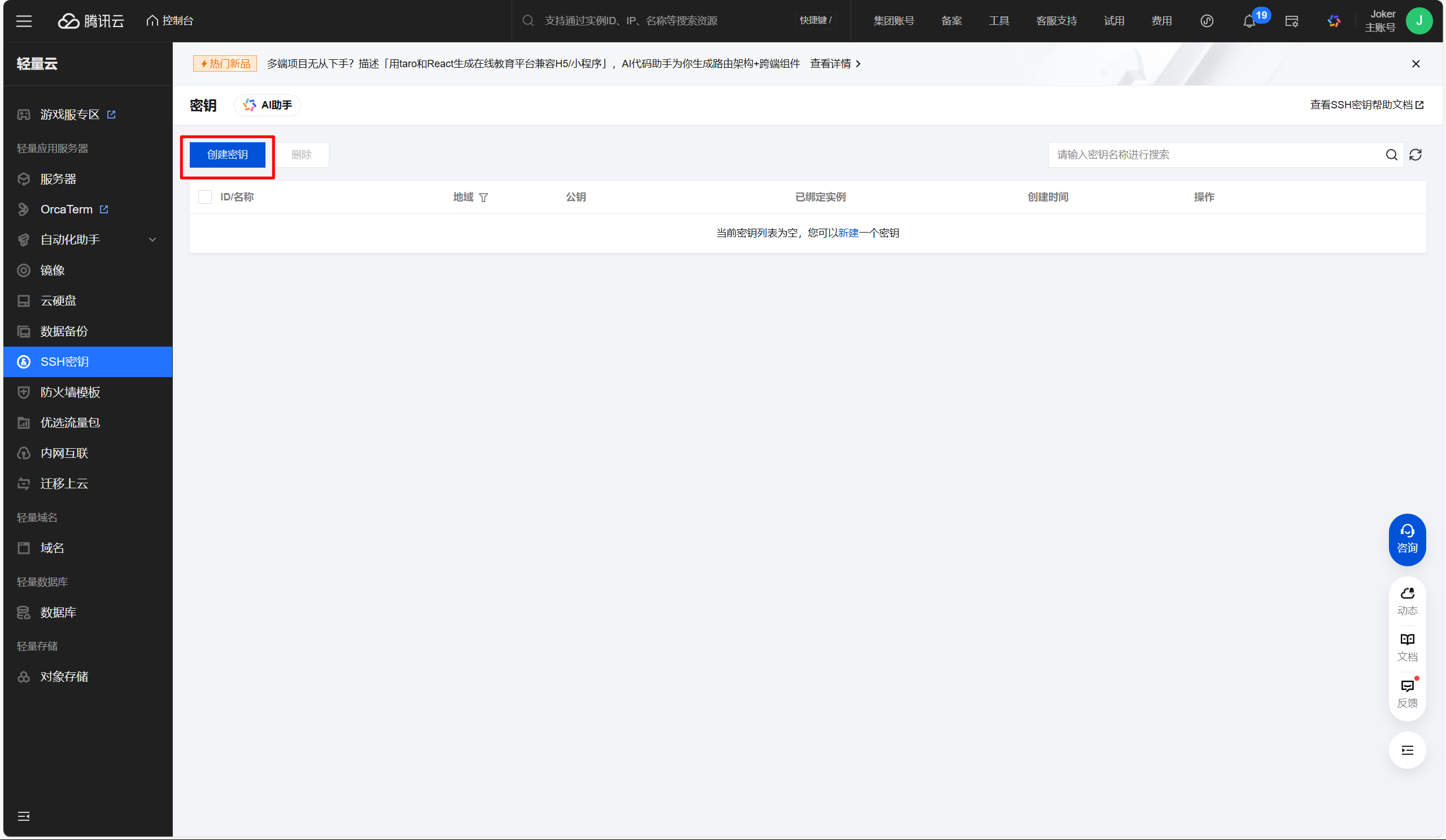
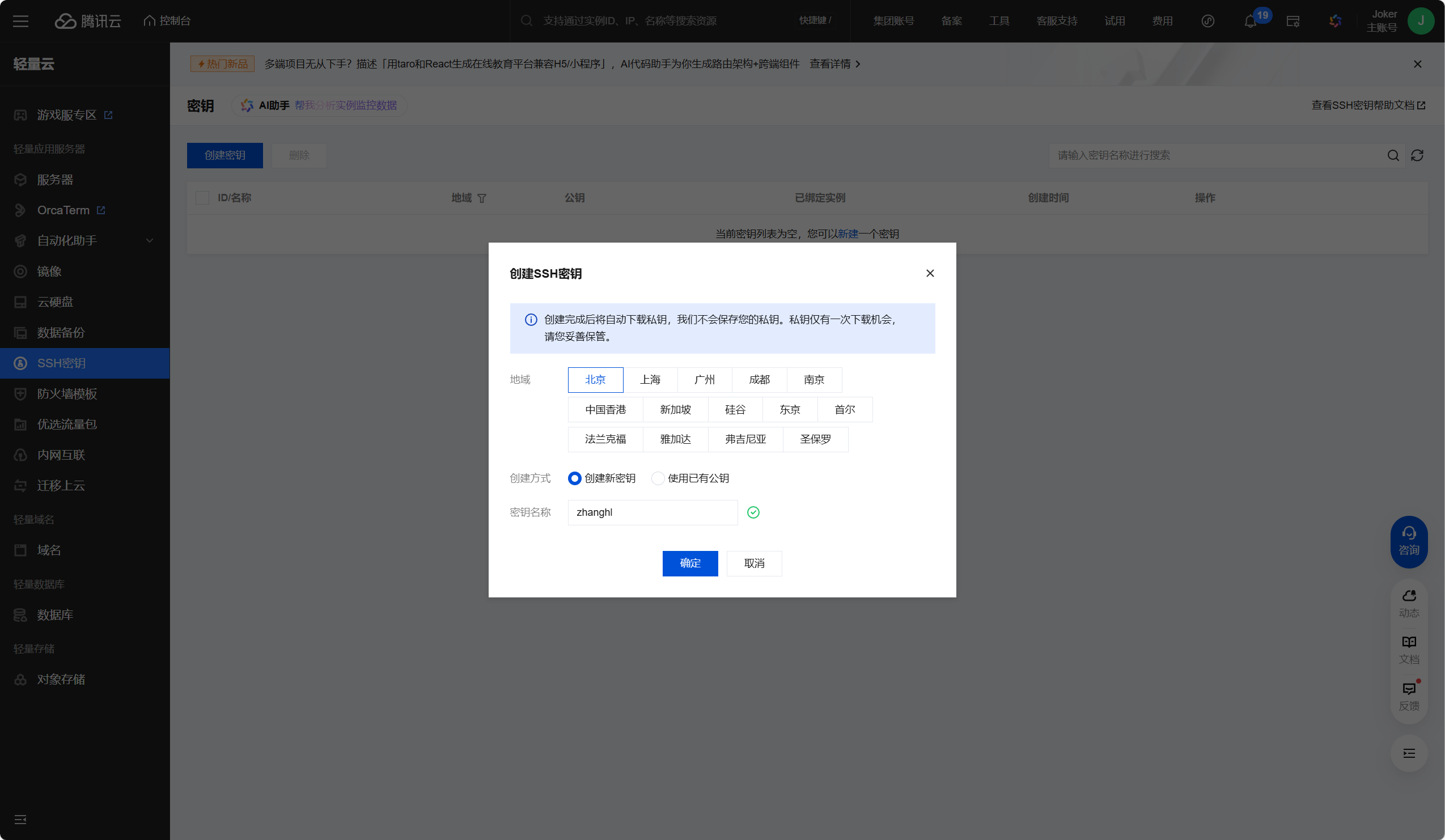
- 创建密钥完毕后,浏览器自动下载该密钥文件
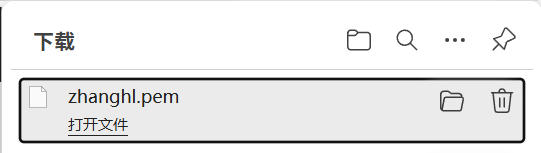
- 创建密钥完毕后,浏览器自动下载该密钥文件
创建完密钥后,绑定服务器实例
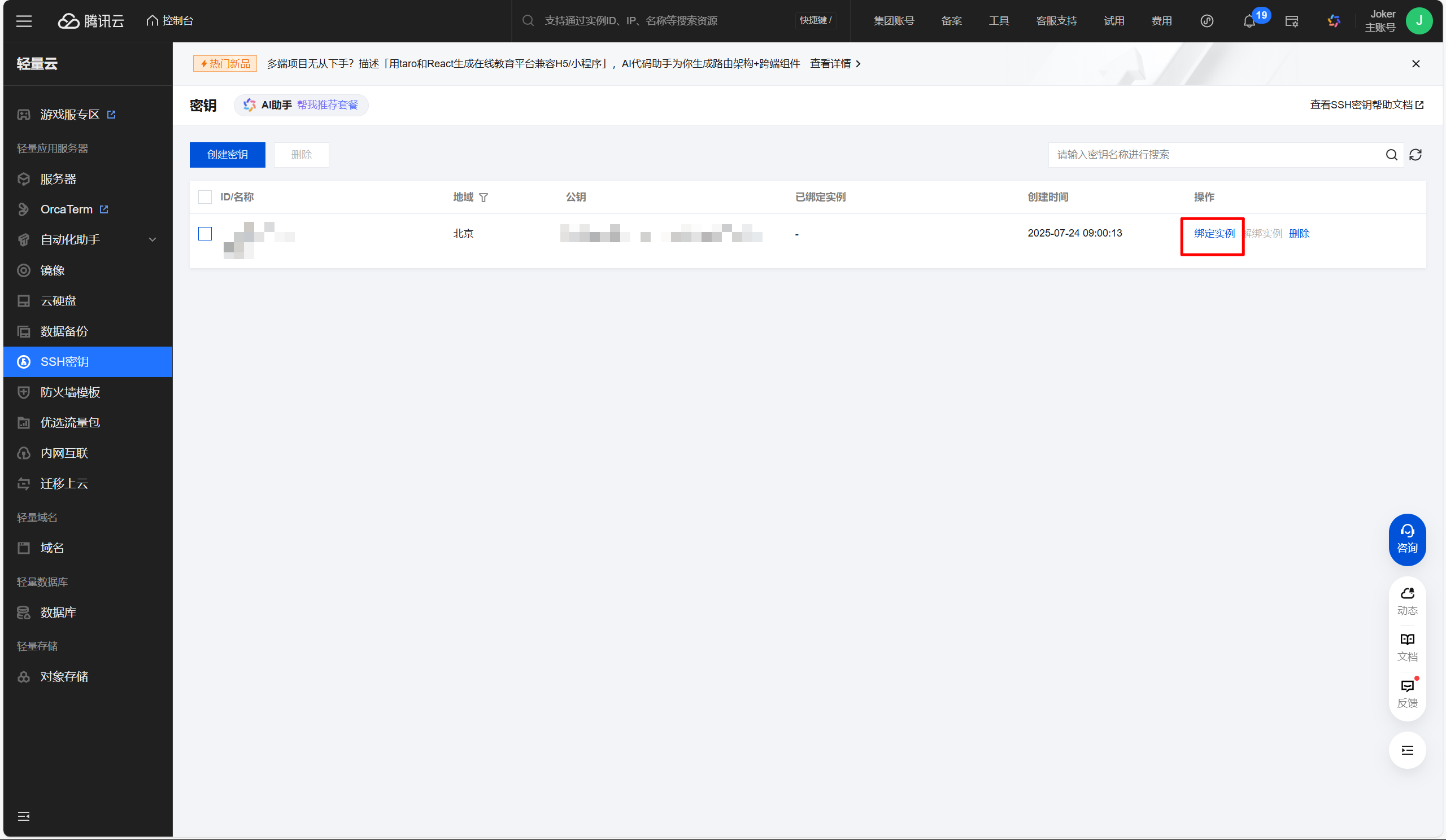
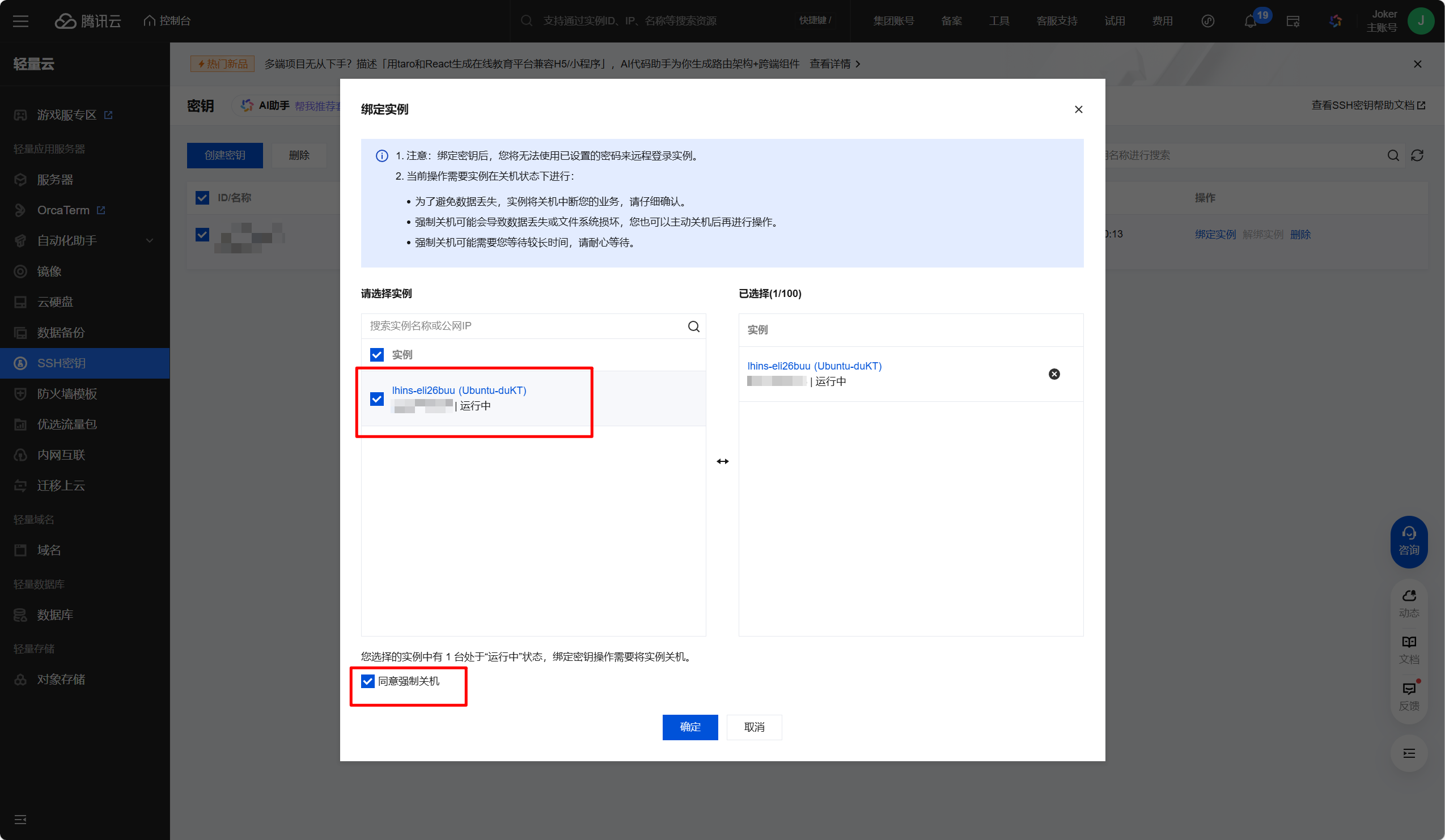
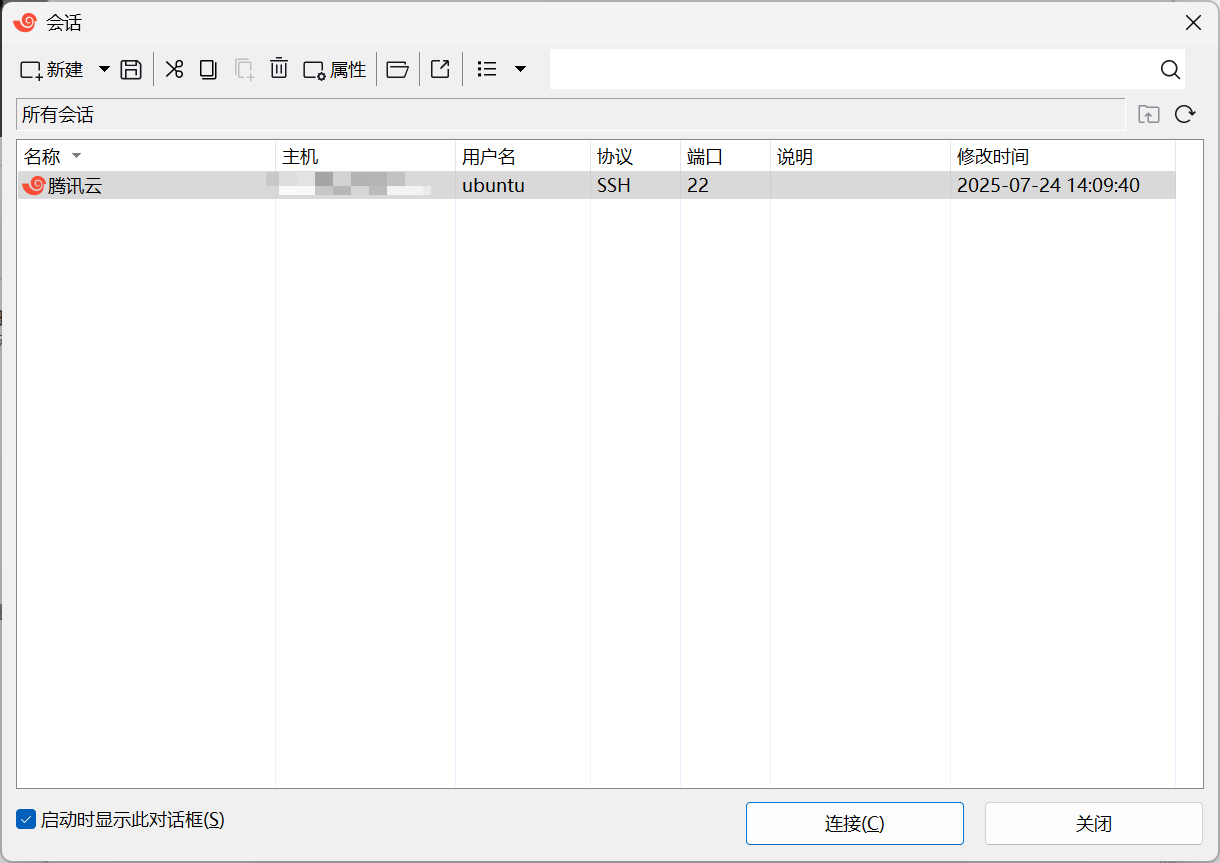
打开xshell,创建会话,填写服务器的公网ip地址、
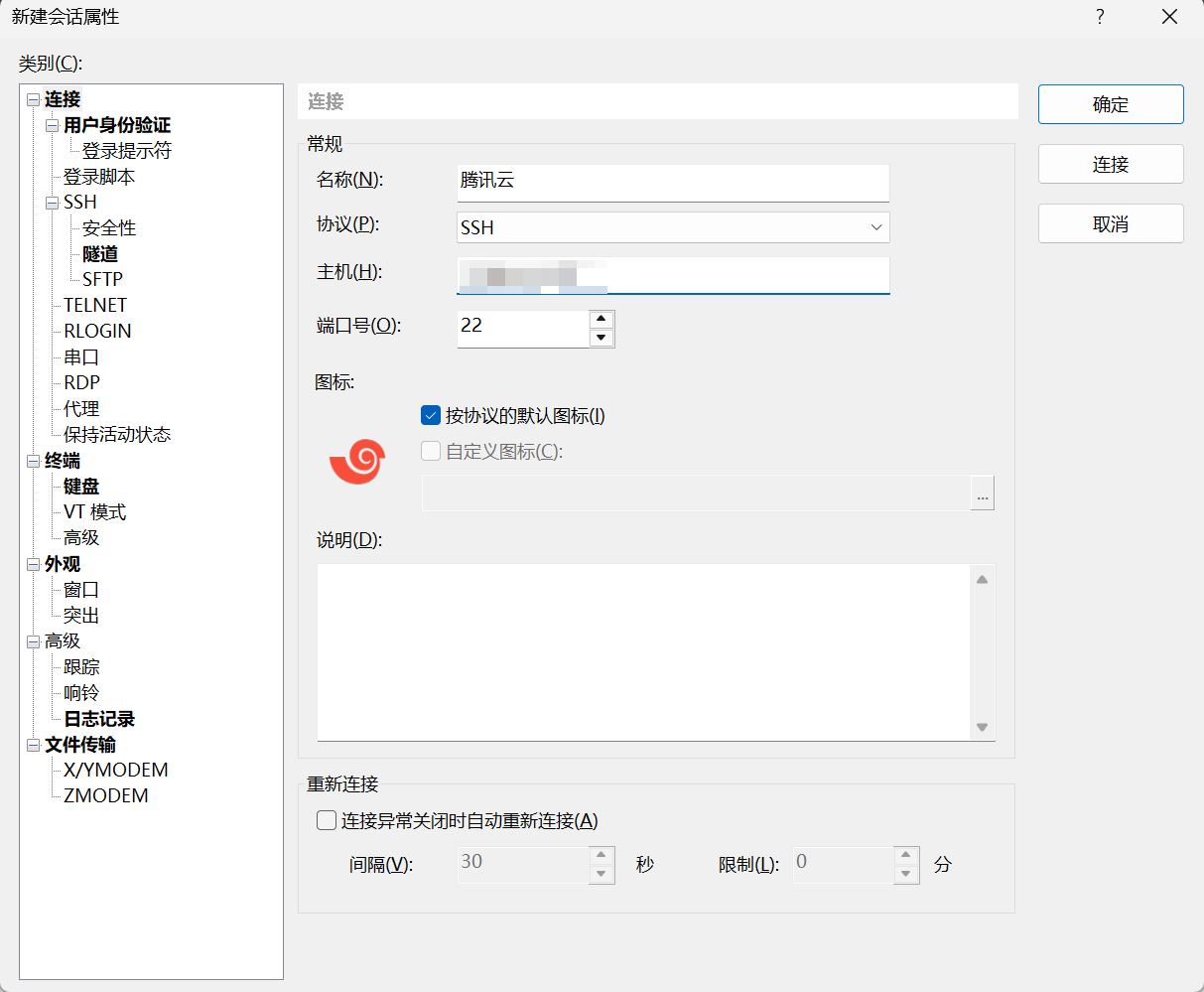
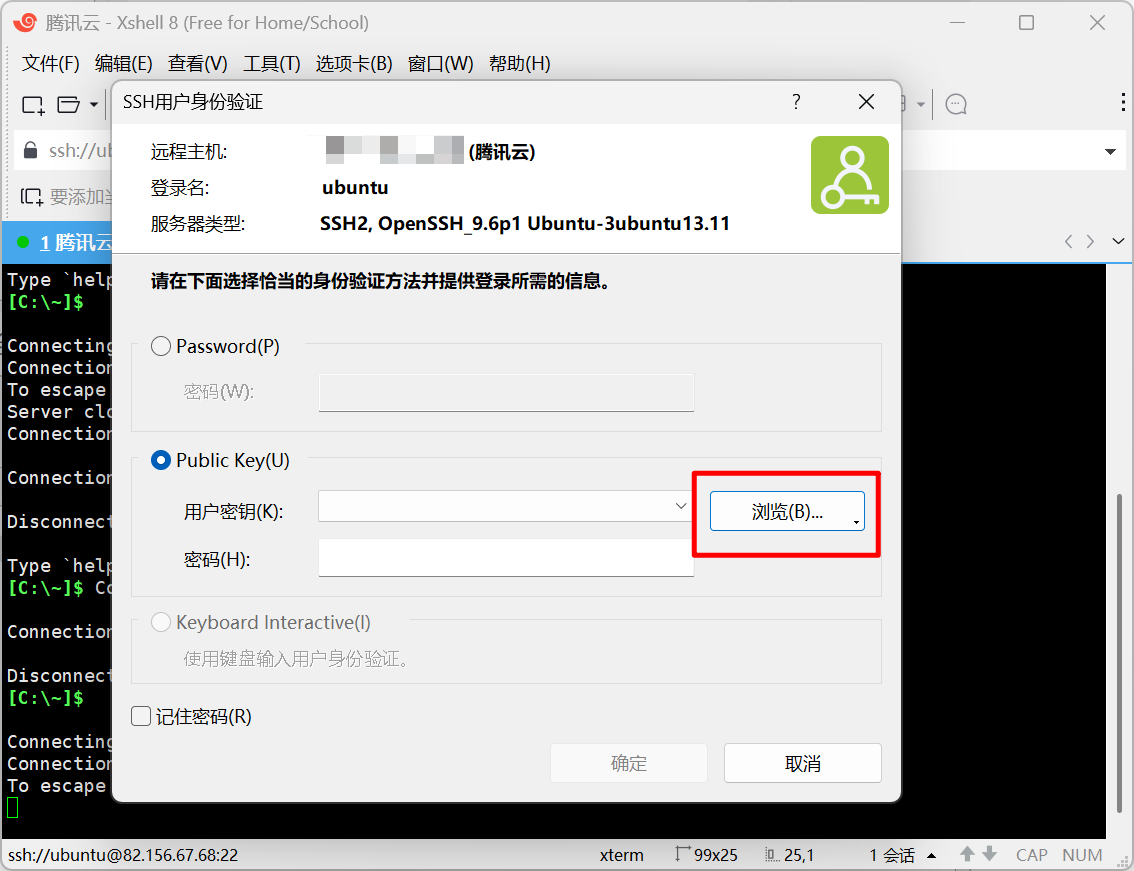
再次连接新建的会话,选择 Public Key 作为身份验证条件,选择刚才自动下载的.pem文件
参考文档
腾讯云服务器控制台 总览 - 控制台 - 腾讯云
进入到服务器实例中,创建密钥
创建完密钥后,绑定服务器实例
打开xshell,创建会话,填写服务器的公网ip地址、
再次连接新建的会话,选择 Public Key 作为身份验证条件,选择刚才自动下载的.pem文件
参考文档