配置MySQL数据库MCP Server
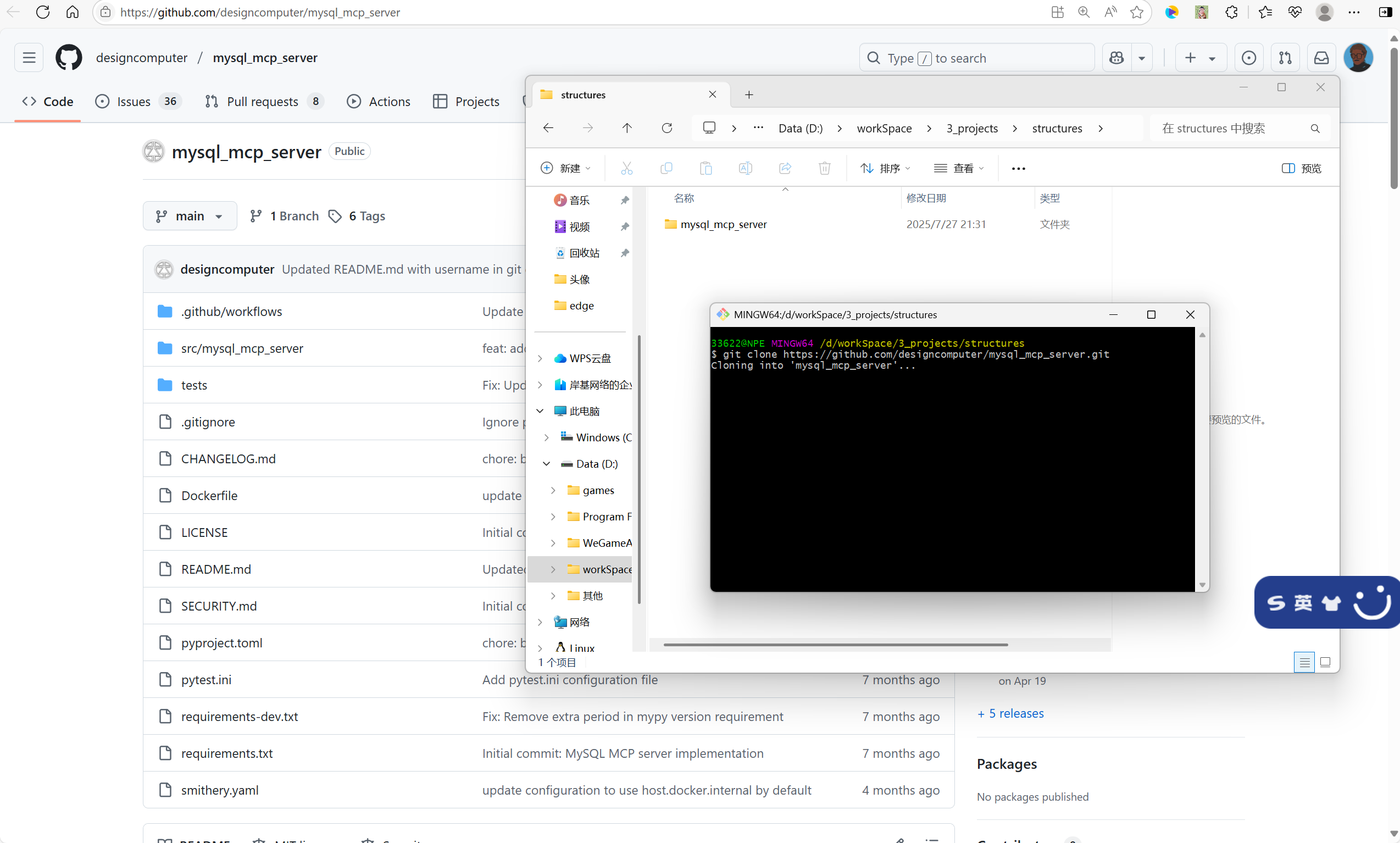
MySQL MCP Server地址 https://github.com/designcomputer/mysql_mcp_server
下载MCP Server,记住下载的路径,CherryStudio配置MCP服务器时要用,我的路径为 D:\workSpace\3_projects\structures\mysql_mcp_server-main,git clone超时的话可以选择下载压缩包到本地,然后解压到目标目录
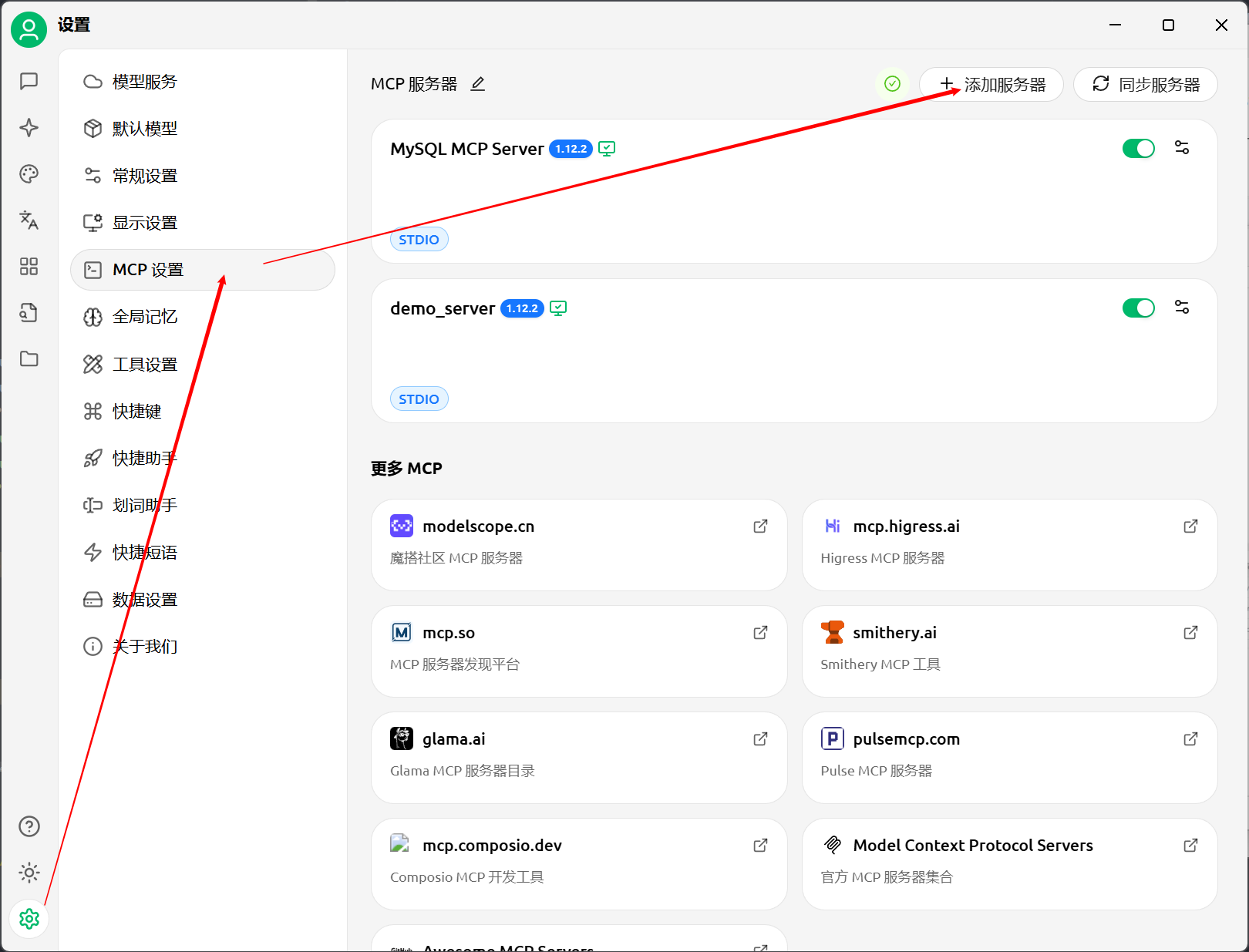
在Cherry Studio上添加MCP服务器
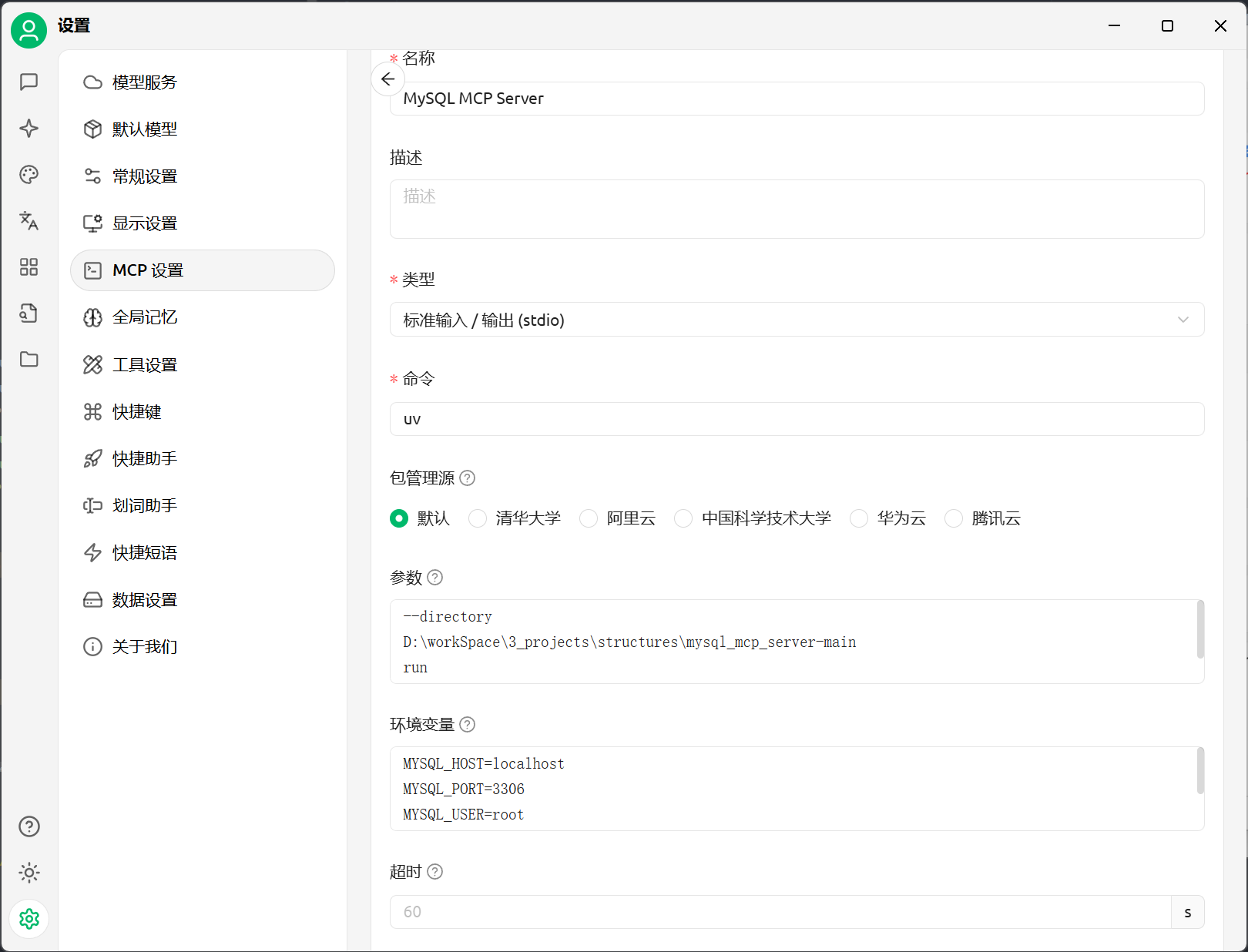
参数设置,其中路径就是刚才下载的MySQL MCP Server的绝对路径
properties--directory D:\workSpace\3_projects\structures\mysql_mcp_server-main run mysql_mcp_server环境变量设置,记住,一定要启动mysql
propertiesMYSQL_HOST=localhost MYSQL_PORT=3306 MYSQL_USER=root MYSQL_PASSWORD=root MYSQL_DATABASE=carb_ignite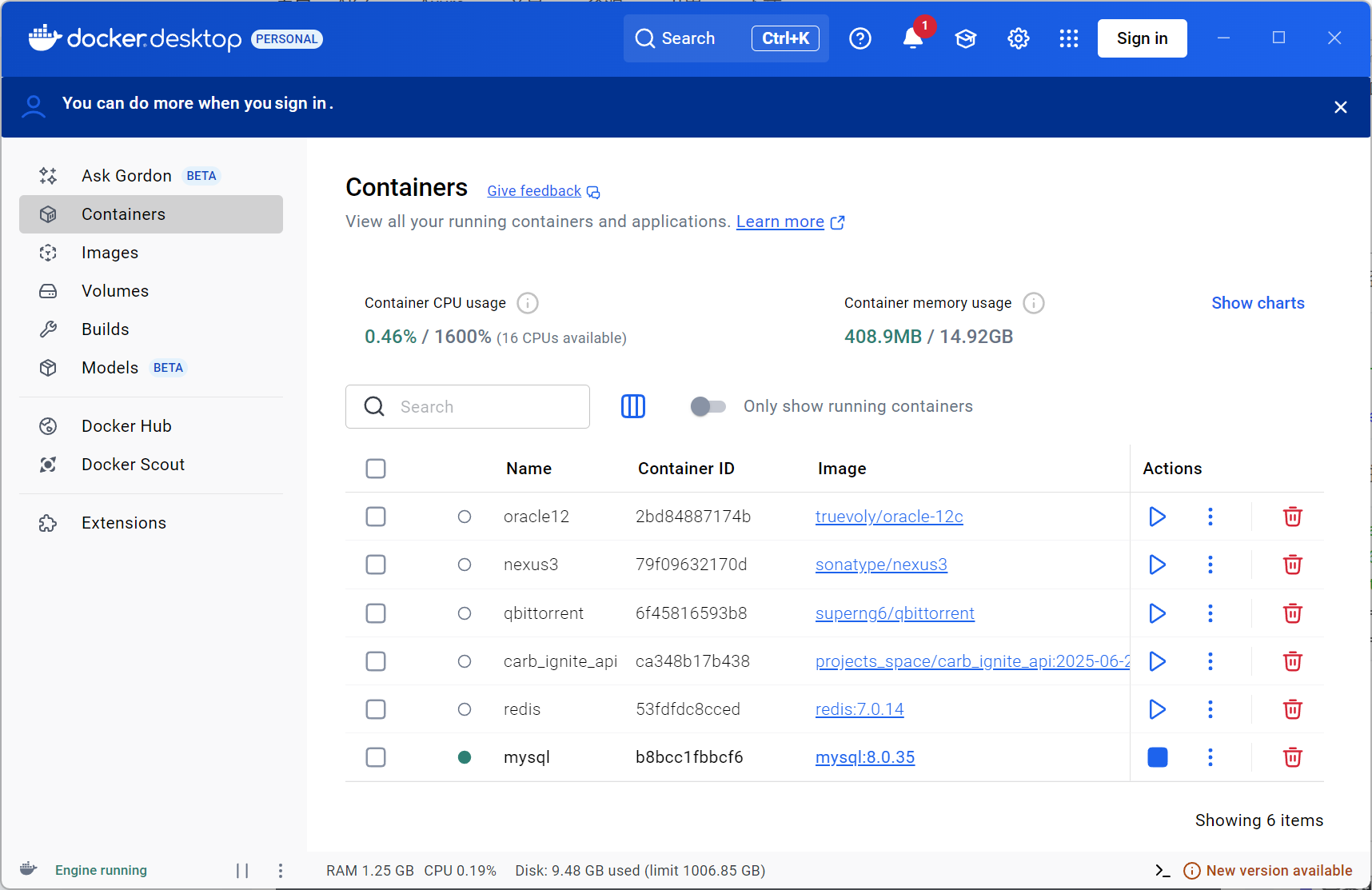
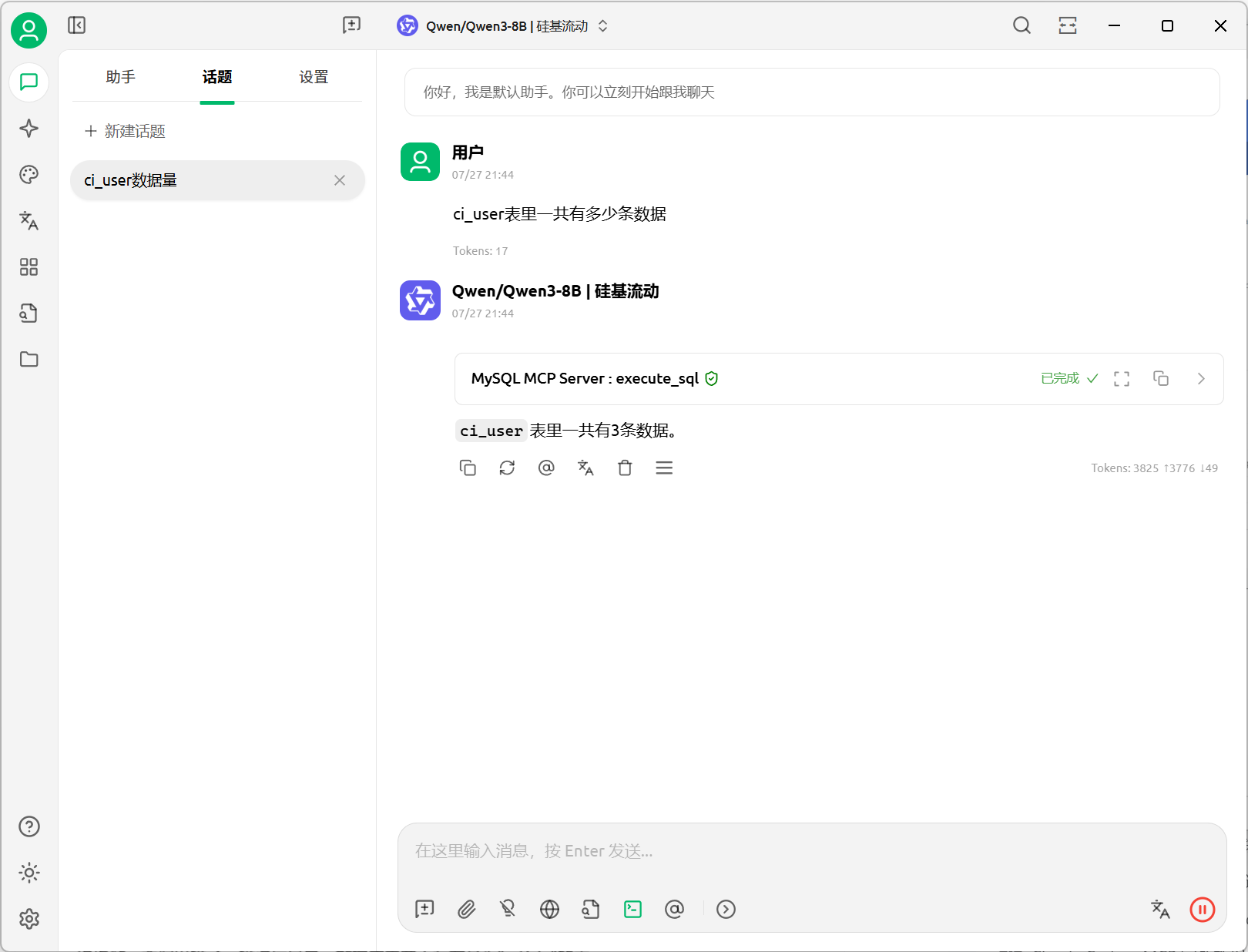
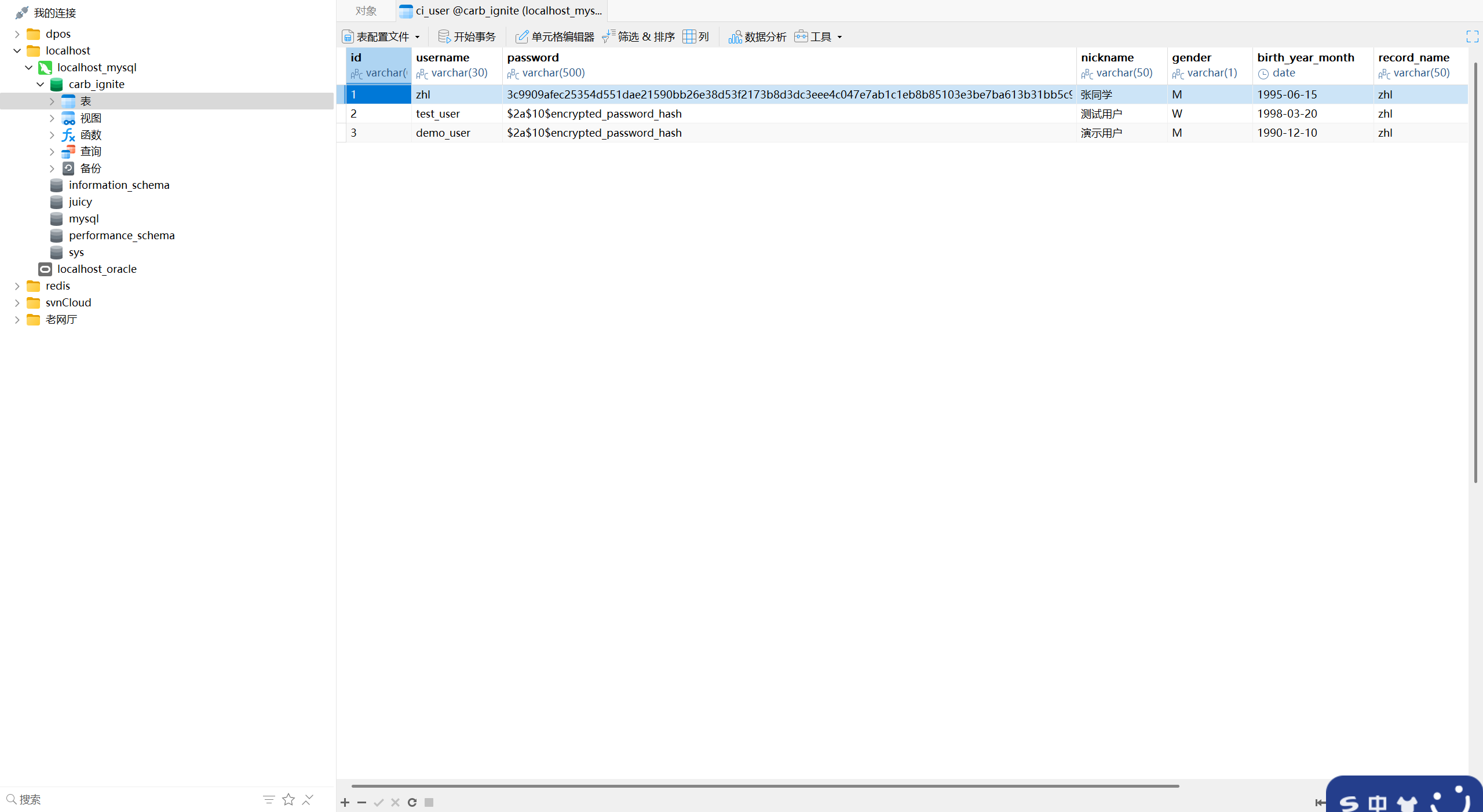
测试效果
配置本地文件管理MCP Server(内置服务器)
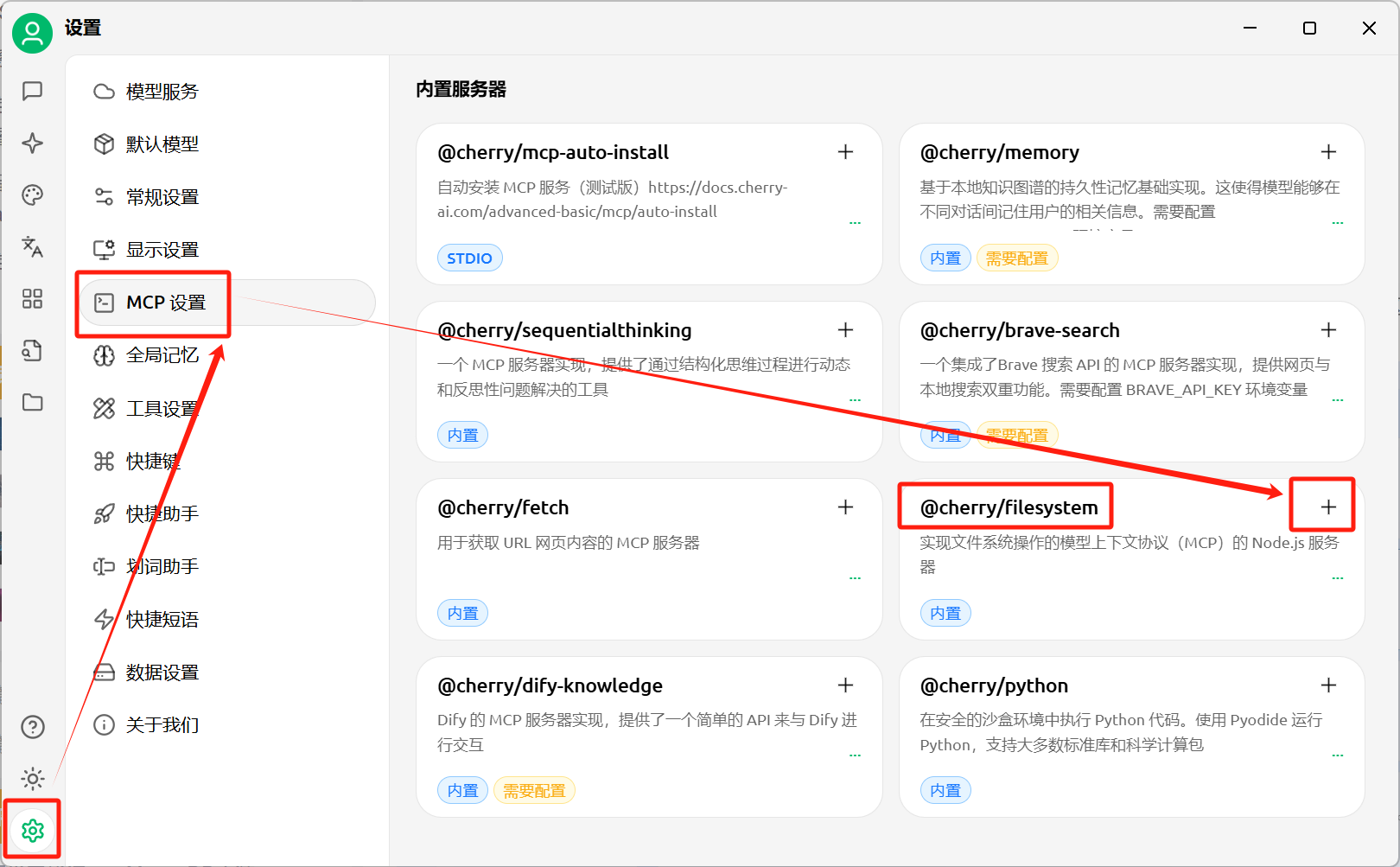
添加内置服务器 @cherry/filesystem
修改MCP服务器参数
properties# 原始参数 /Users/username/Desktop /path/to/other/allowed/dirproperties# 改成我自己的参数 C:/Users/33622/Desktop /path/to/other/allowed/dir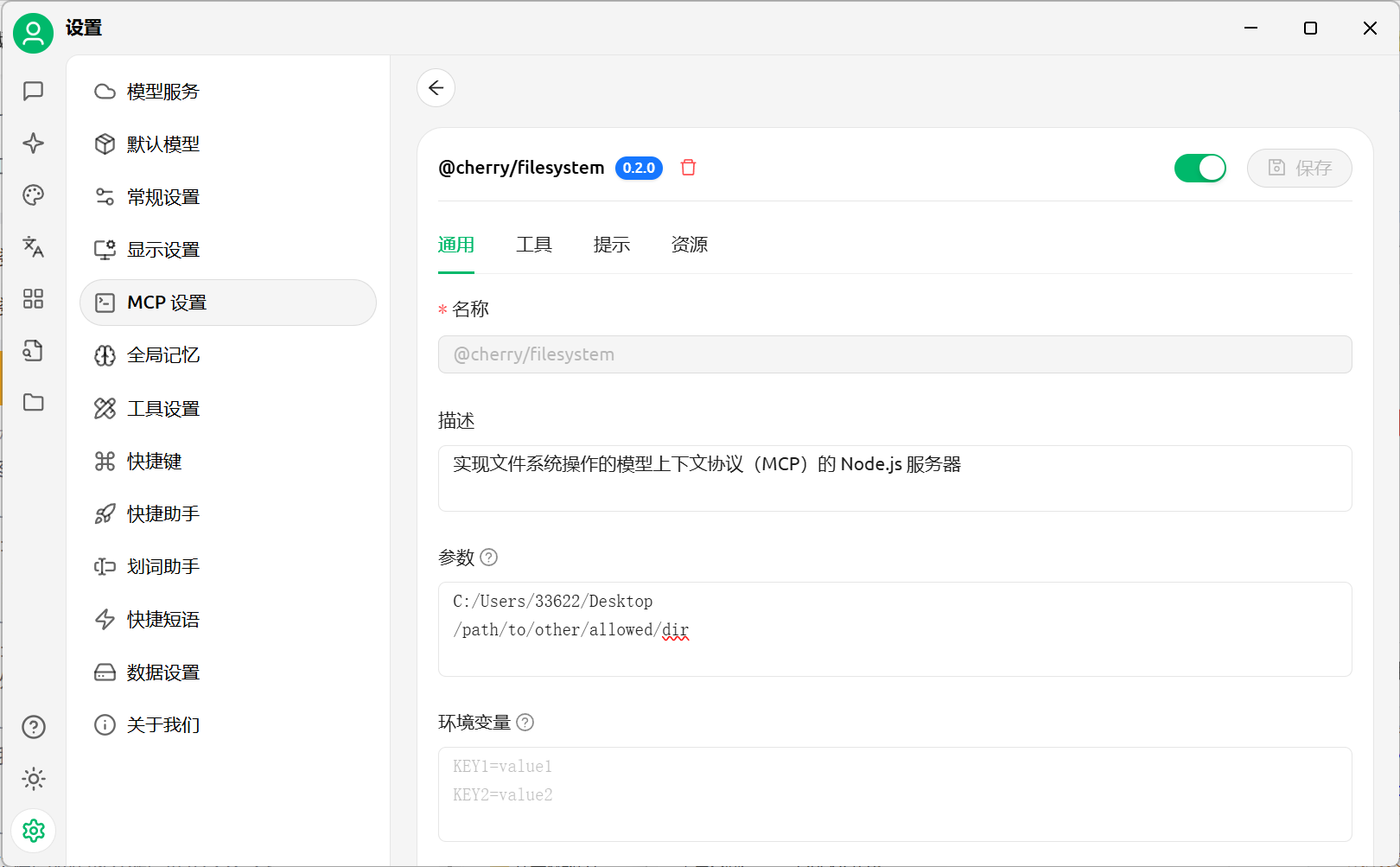
启用MCP服务器
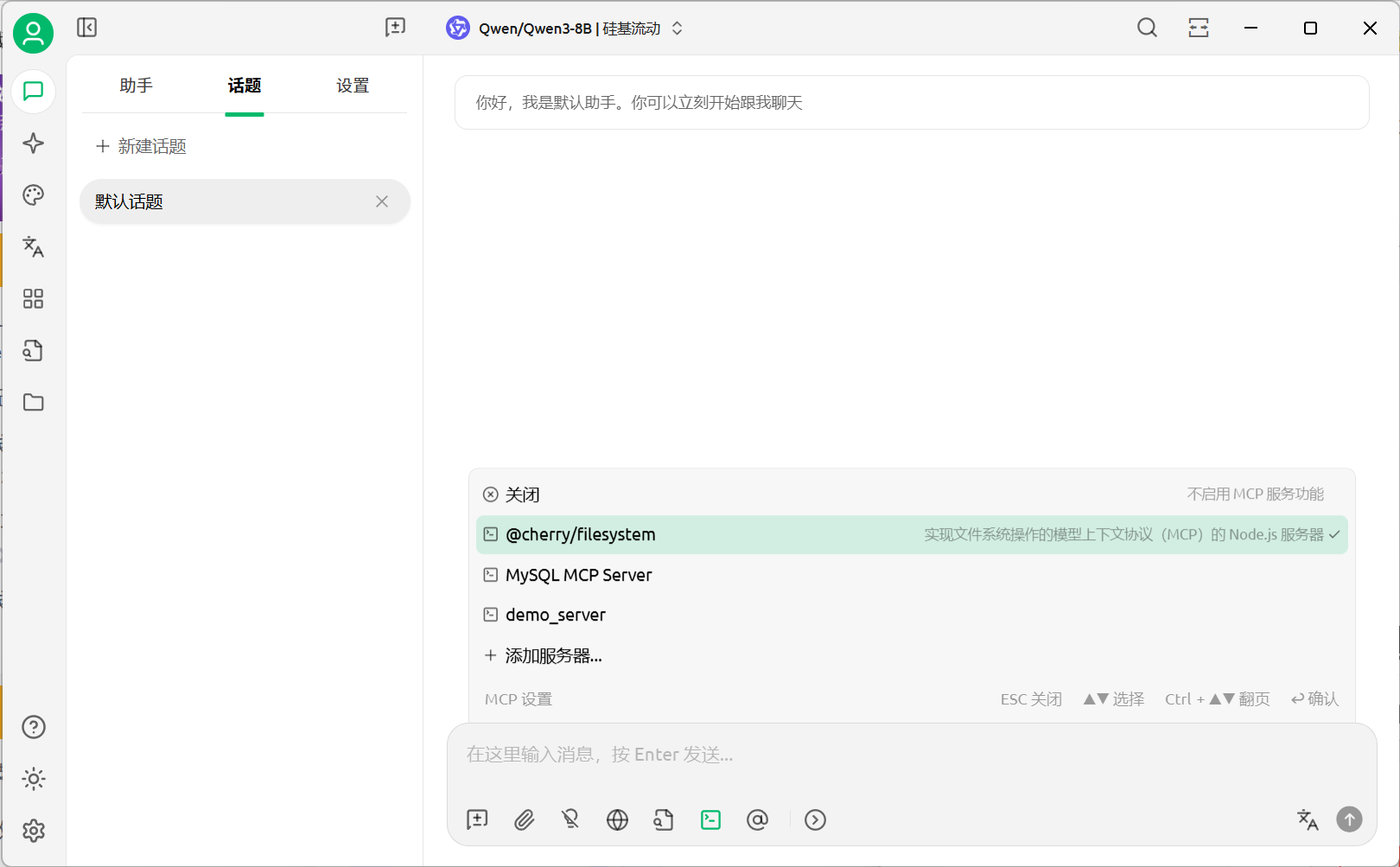
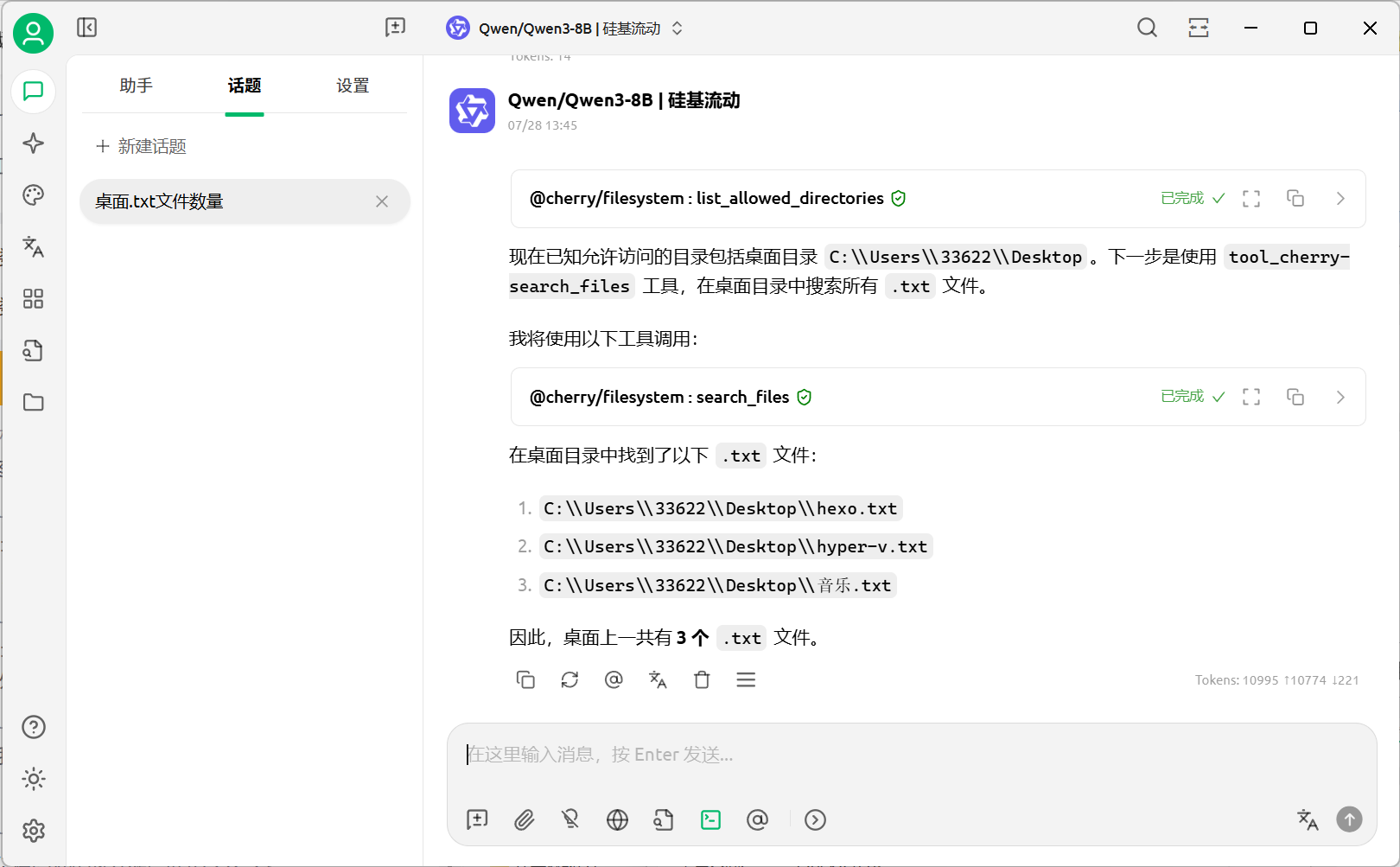
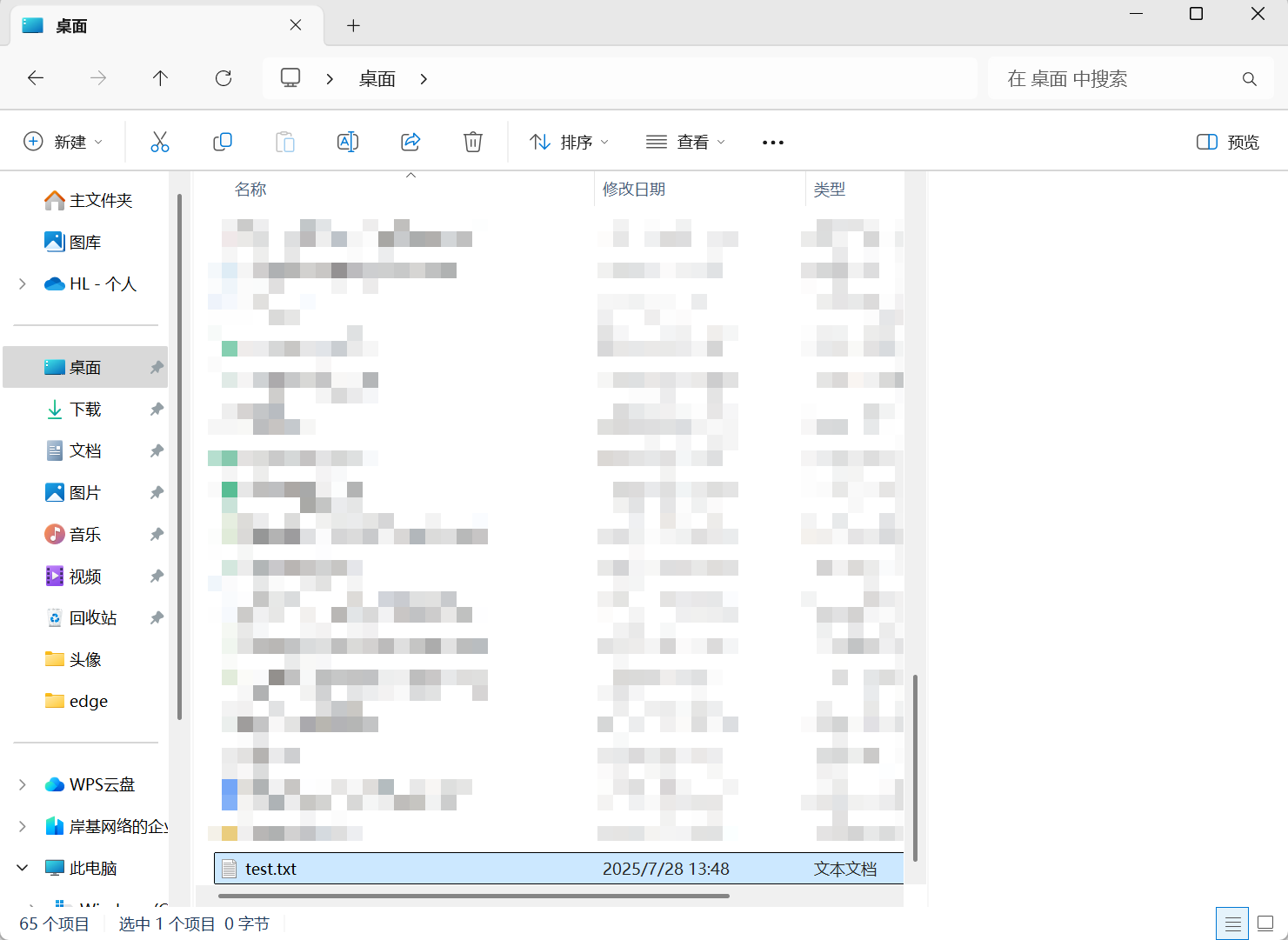
测试
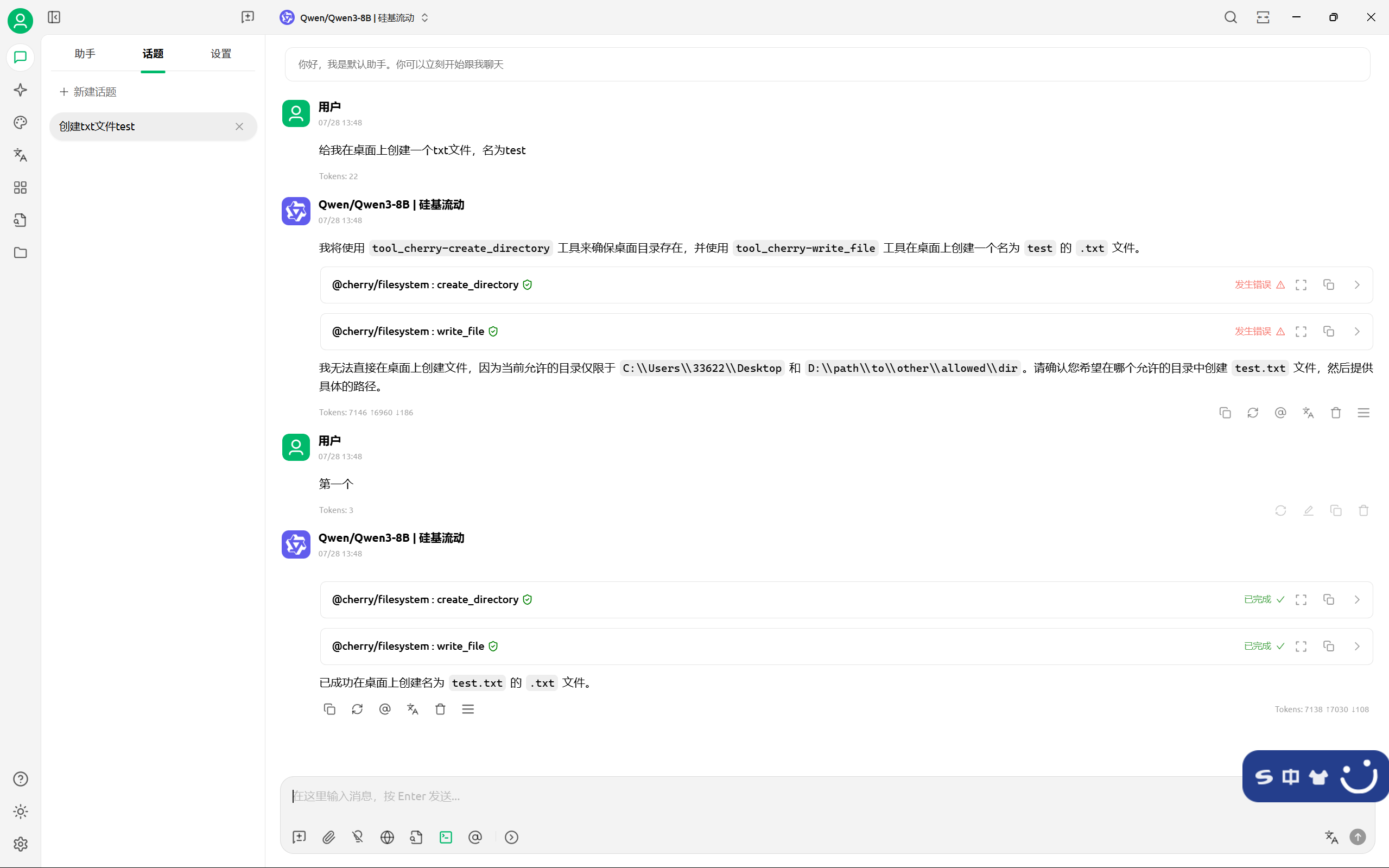
配置获取网页内容MCP Server(内置服务器)
添加内置服务器 @cherry/fetch
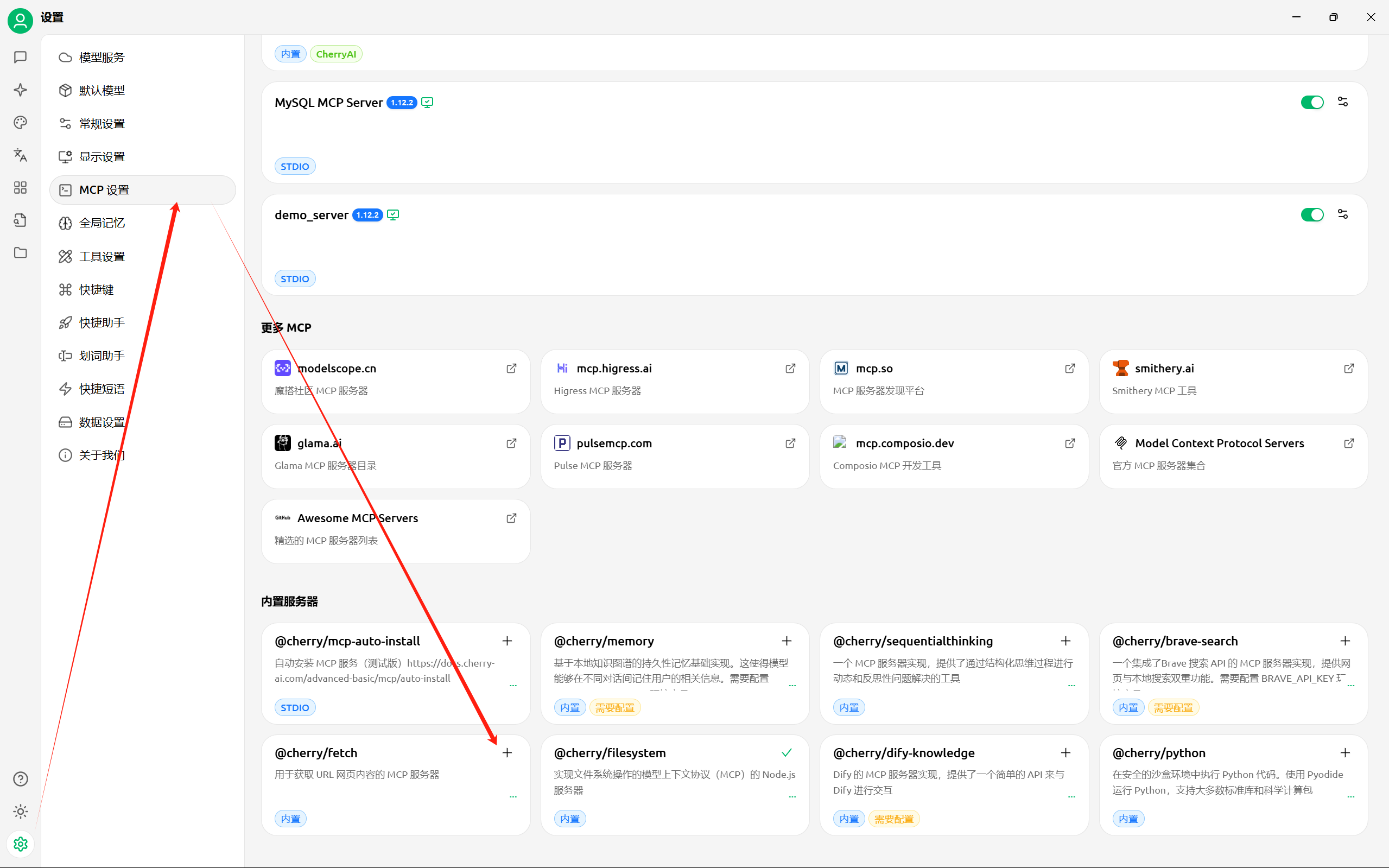
启用MCP服务器
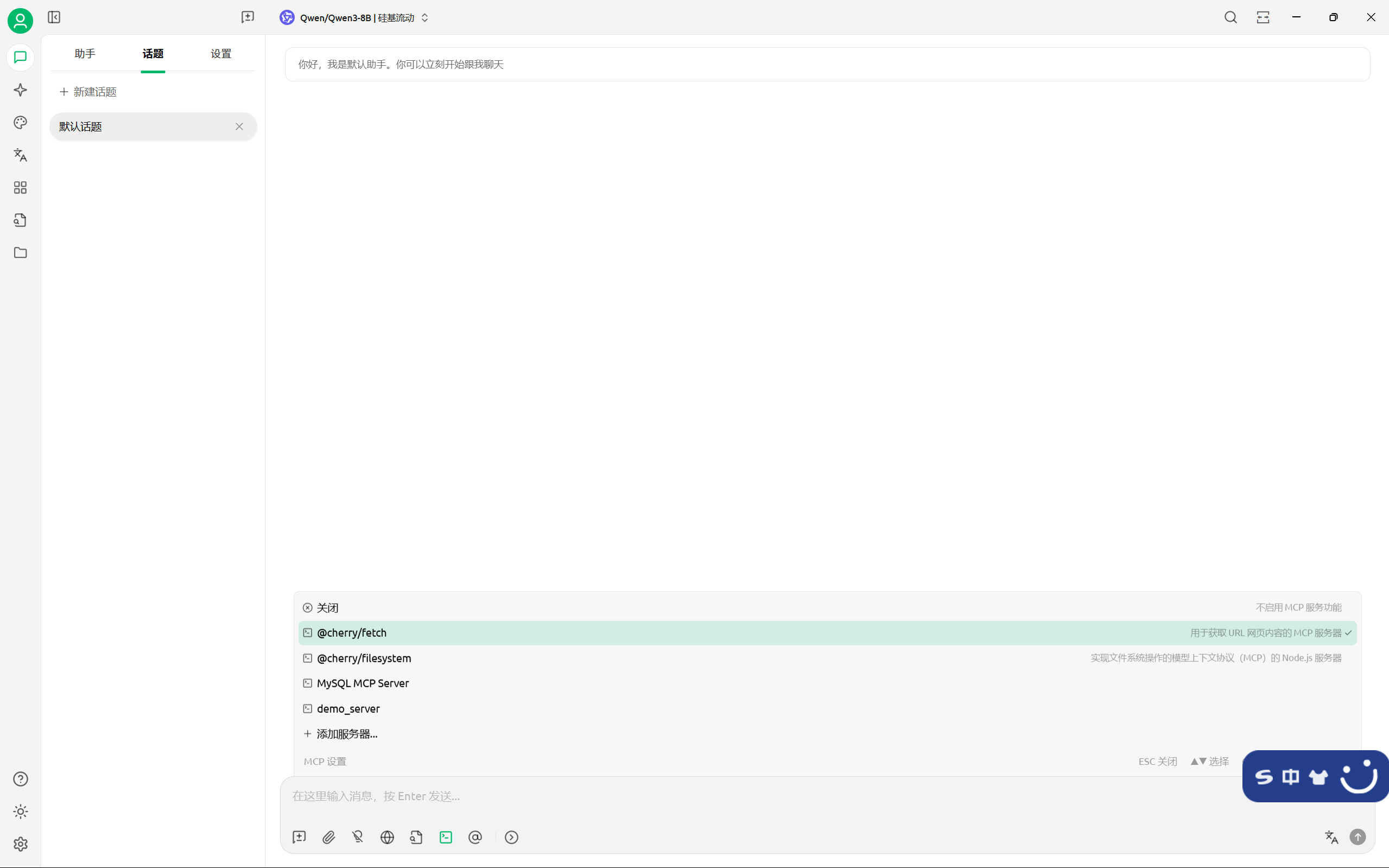
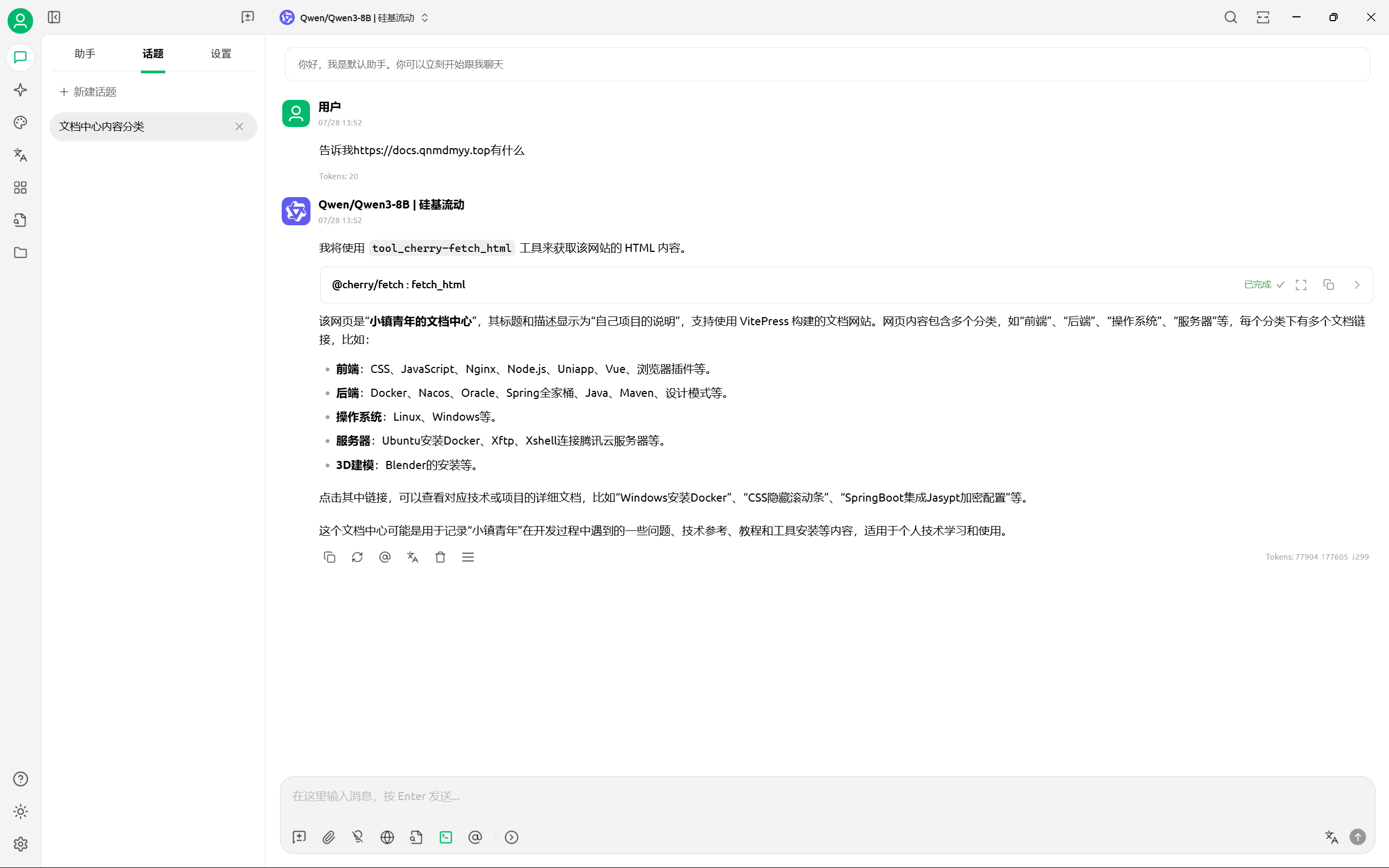
测试